
SQL access for users
For single or a couple users needing SQL access, you will follow these steps
Make sure SQL is highlighted blue, then select View above Object Explorer, from the drop down you select Object explorer Details:
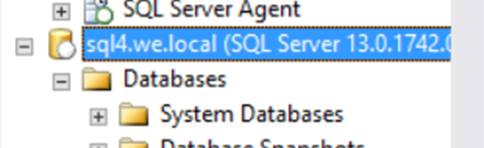
2. From the list select Security by double clicking then select Logins by double clicking, a list will appear.
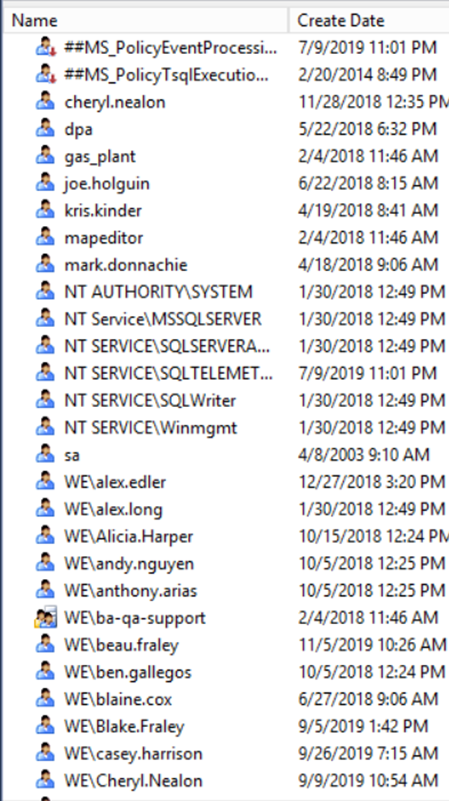
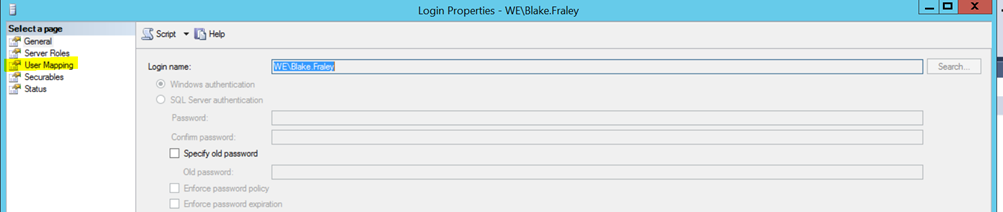
3. Double click the user, then select User Mapping
4. Find the client in the list and make sure there is a check mark on them then select, read write admin.
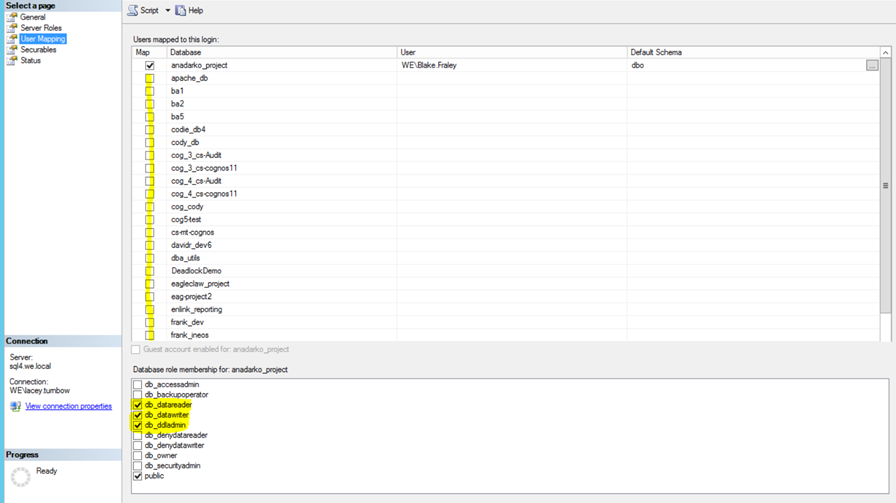
** Please note ** Not all requests need read, write, admin access. There are occasions where read or write is the only request on the story.

Highlight important information in a panel like this one. To edit this panel's color or style, select one of the options in the menu.