Installing / Uninstalling the W Energy Spatial Add-In 🎯
What is the W Energy Spatial Add-In?
The W Energy Spatial Add-In is the proprietary toolbar extension that is installed on top of the 3rd party application: ArcGIS Desktop.
Why would a client use the W Energy Spatial Add-In?
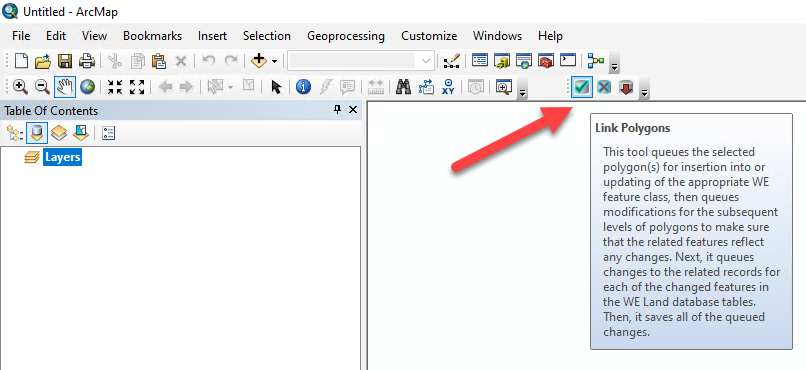
The add-in consists of three tools:
Link Polygons Tool
Unlink Polygons Tool
Removed Queued Edits Tool
These tools are used to link and unlink polygons to Land Agreements, Tracts, and/or Legal Items.
We do not recommend the client uninstalling and installing the add-in. Sometimes this process needs to be completed when the toolbar needs to point to a different client environment (Ex. from Test to Prod during Prod cutover).
How to Install the W Energy Spatial Add-In
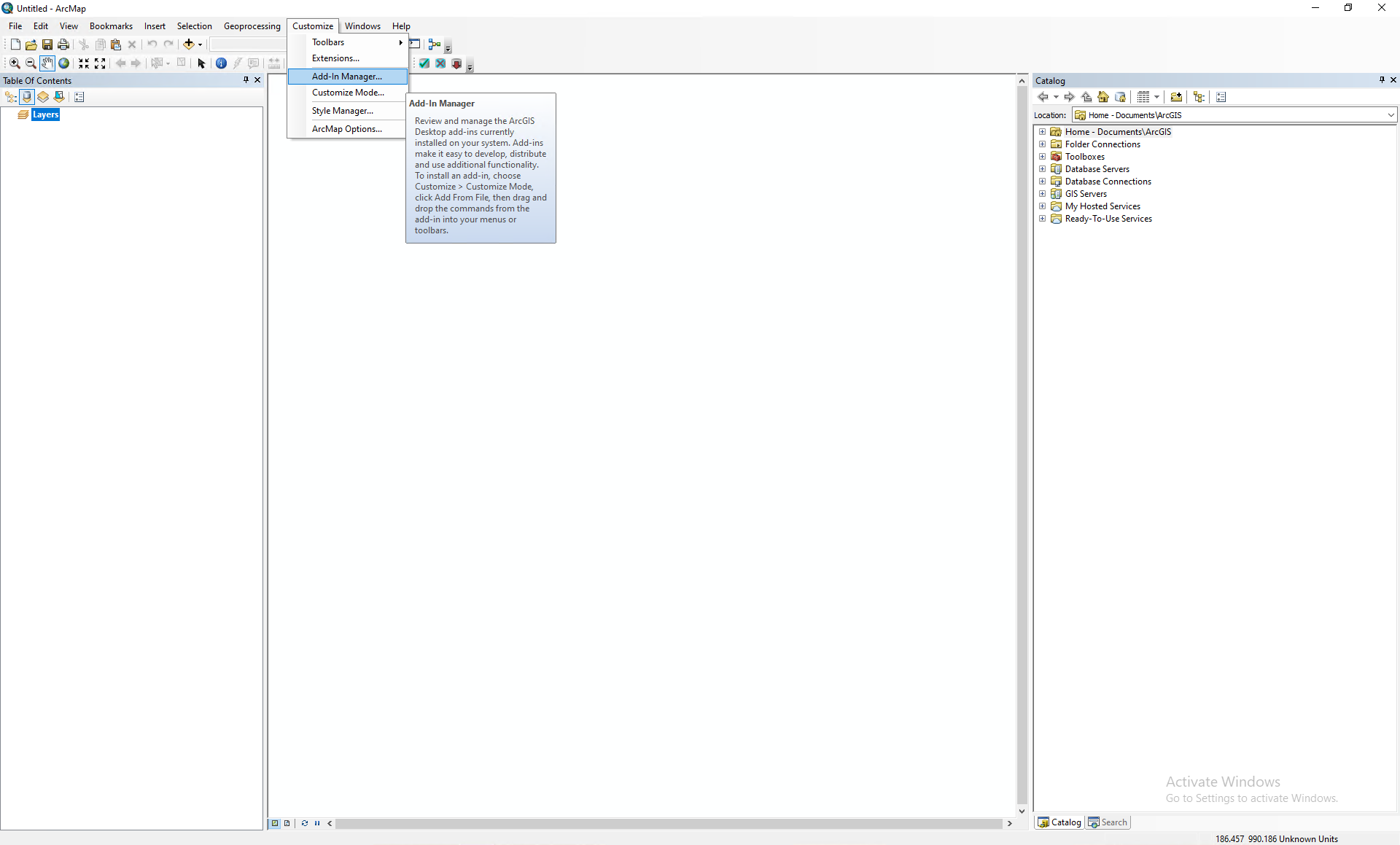
Launch ArcMap.
Navigate to Customize / Add-In Manager…
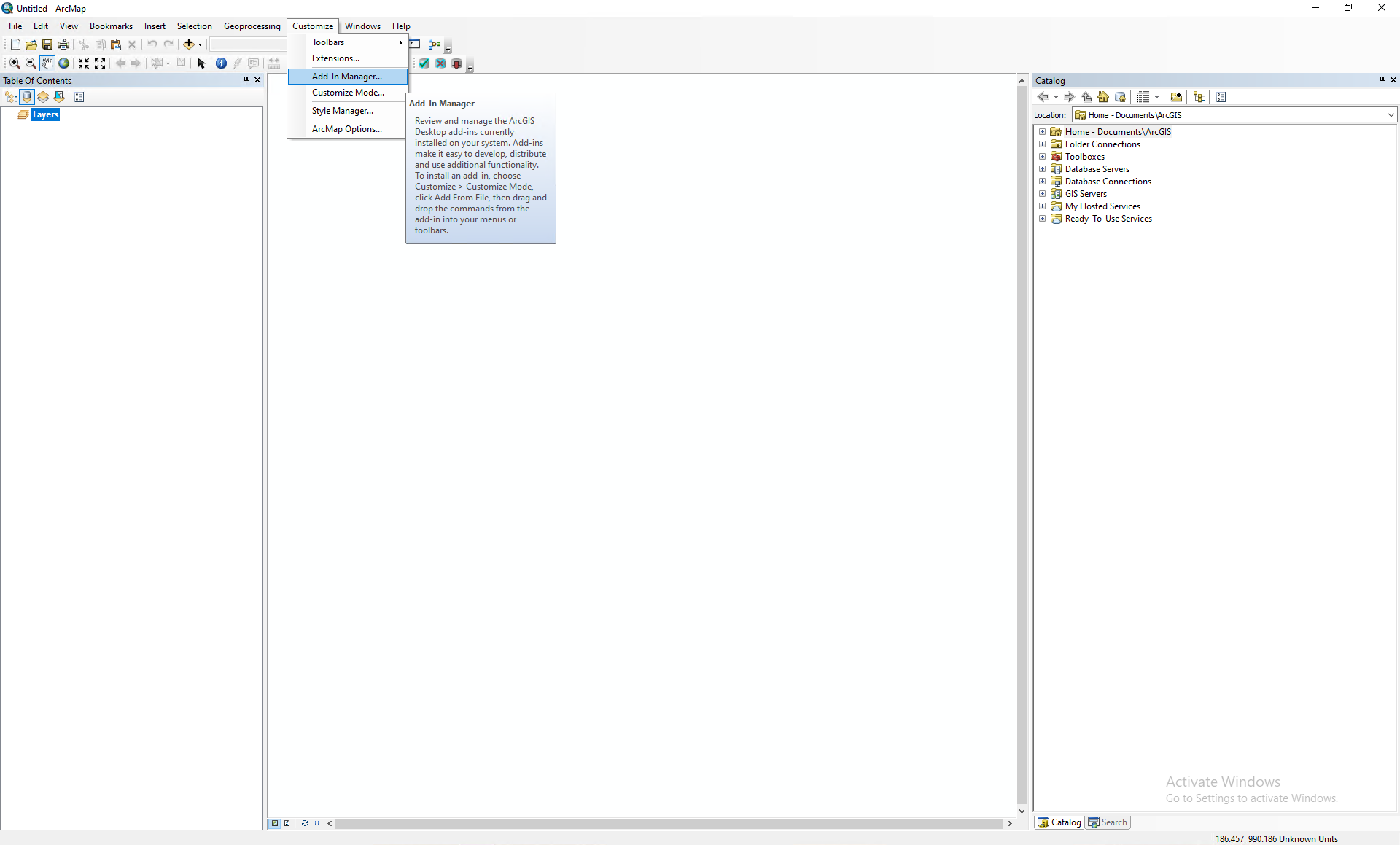
Notice how the W Energy Spatial Add-In has not been installed yet.
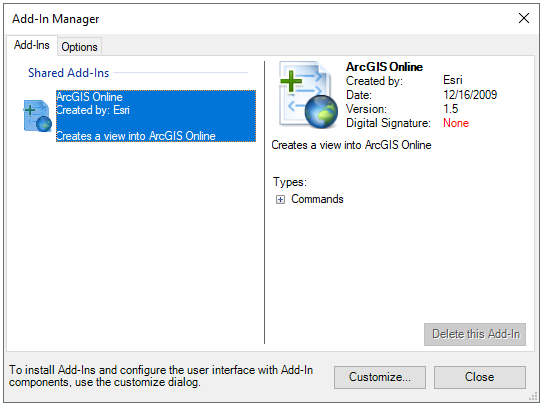
Close out of ArcMap.
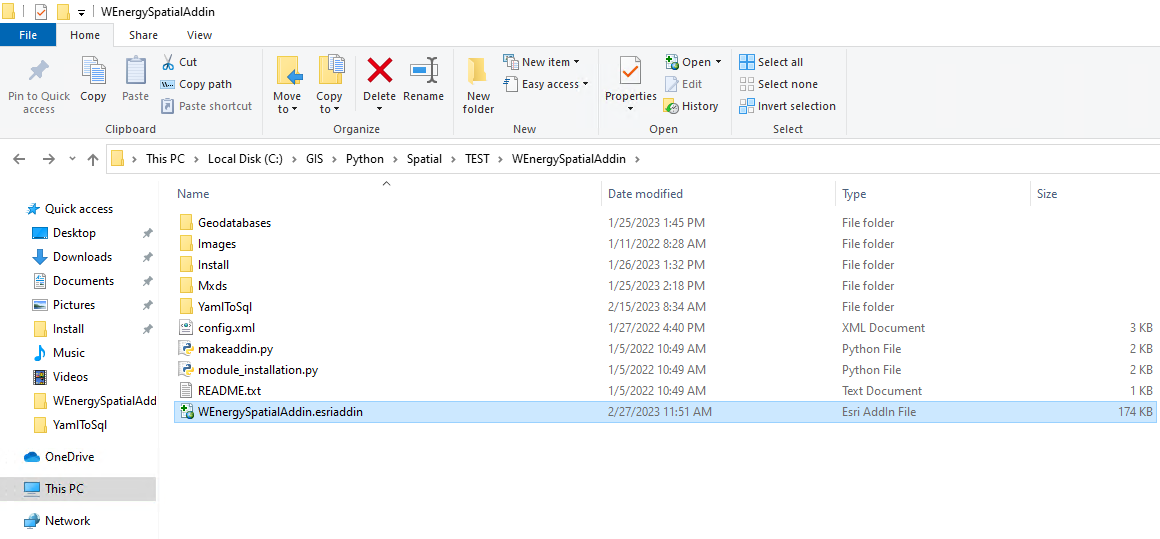
Navigate to the following file directory in the VDI / RDC: C:\GIS\Python\Spatial\TEST\WEnergySpatialAddin
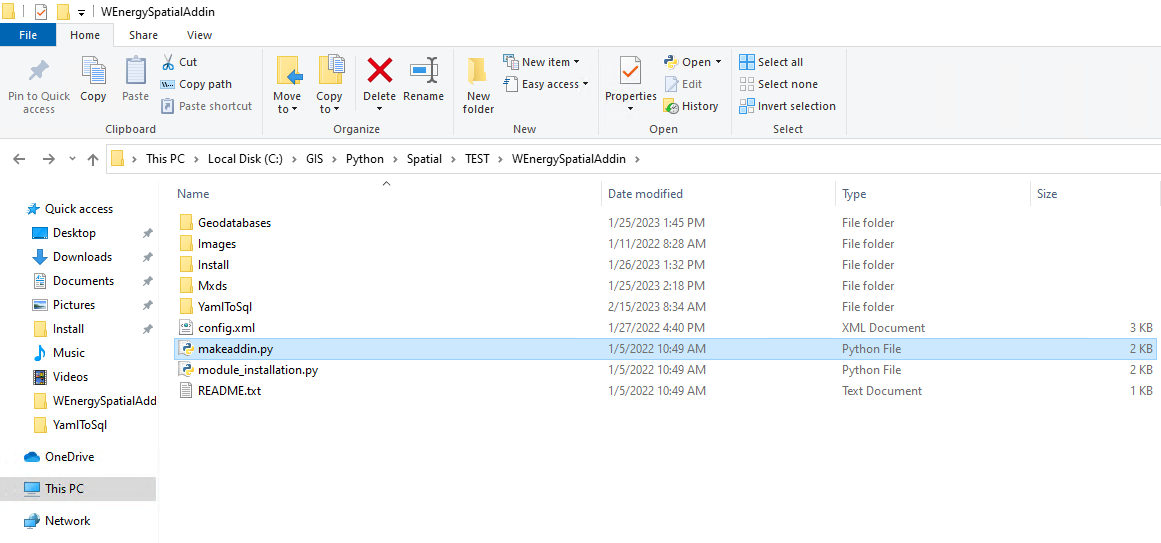
Double-click the makeaddin.py file.
The WEnergySpatialAddin.esriaddin should have been created. Double-click on the Esri add-in.
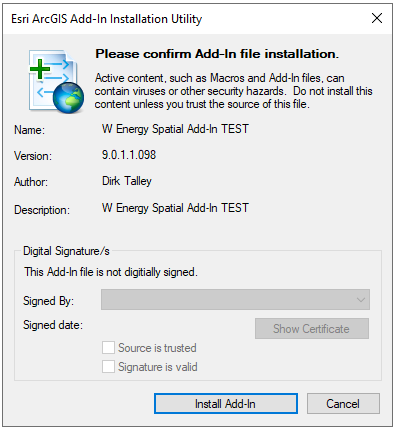
In the installation utility pop-up select “Install Add-In“.
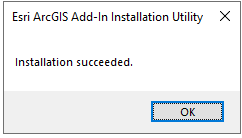
Select “OK“ in the pop-up window.
Launch ArcMap and navigate to Customize / Add-In Manager…
The Add-In now exists.
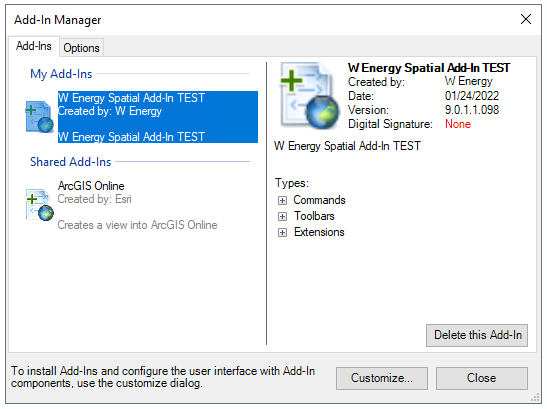
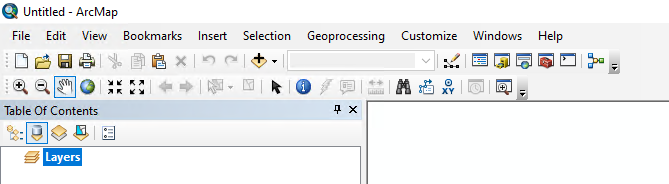
The toolbar can also be seen in ArcMap itself.
How to Uninstall the W Energy Spatial Add-In
Launch ArcMap.
Navigate to Customize / Add-In Manager…
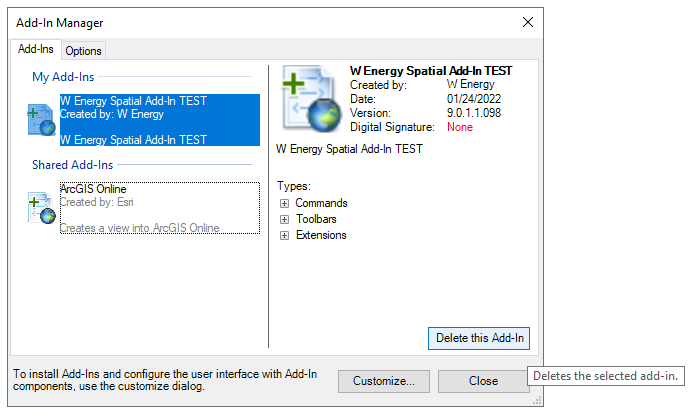
Select Delete this Add-In.
The add-in has now been deleted.
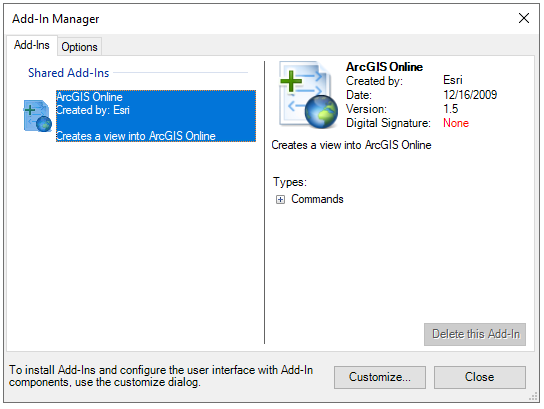
The toolbar is no longer present in the ArcMap ribbon.