
Liquid Trans Setup / Nomination Configuration
What is Nomination Configuration
Nomination Configuration drives the nominations page will behave and dictates the format allowed for nominations on the asset
Why would a client use Nomination Configuration
The system requires that the Nomination Configuration screen is time sliced accordingly with the other asset setup screens but a client would only go through the setup process if they plan on using nominations.
How to setup Nomination Configurations in the system
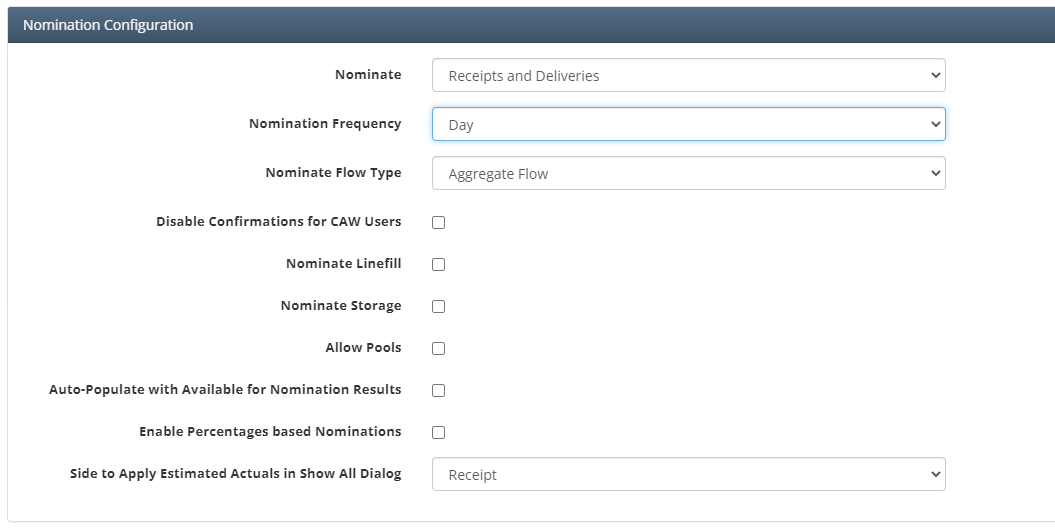
Nomination Allowances / Deductions
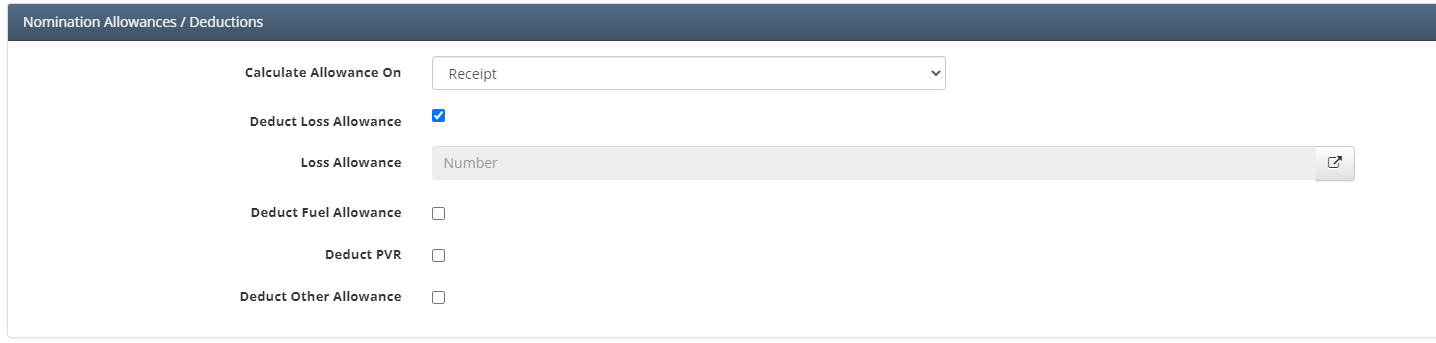
The user has the option to calculate the allowance on the Receipt or Delivery side. To add an allowance rate, the user will have to “Check” the type of allowance that the user is wanting to used. Once checked, a new box will appear where the user can attach the rate to be used for the deduction.
How does this concept impact/feed other areas in the application?
Nomination Configuration impacts how nominations will be evaluated and this feeds into the other nomination results screens.