
Gathering and Processing 101
Welcome to Gathering and Processing 101
This training document outlines a typical Gathering and Processing asset. For this walk through we will be setting up a new asset and will cover how to set it up. For this training, we have the following data points/assumptions:
The asset will be called WES Tulsa
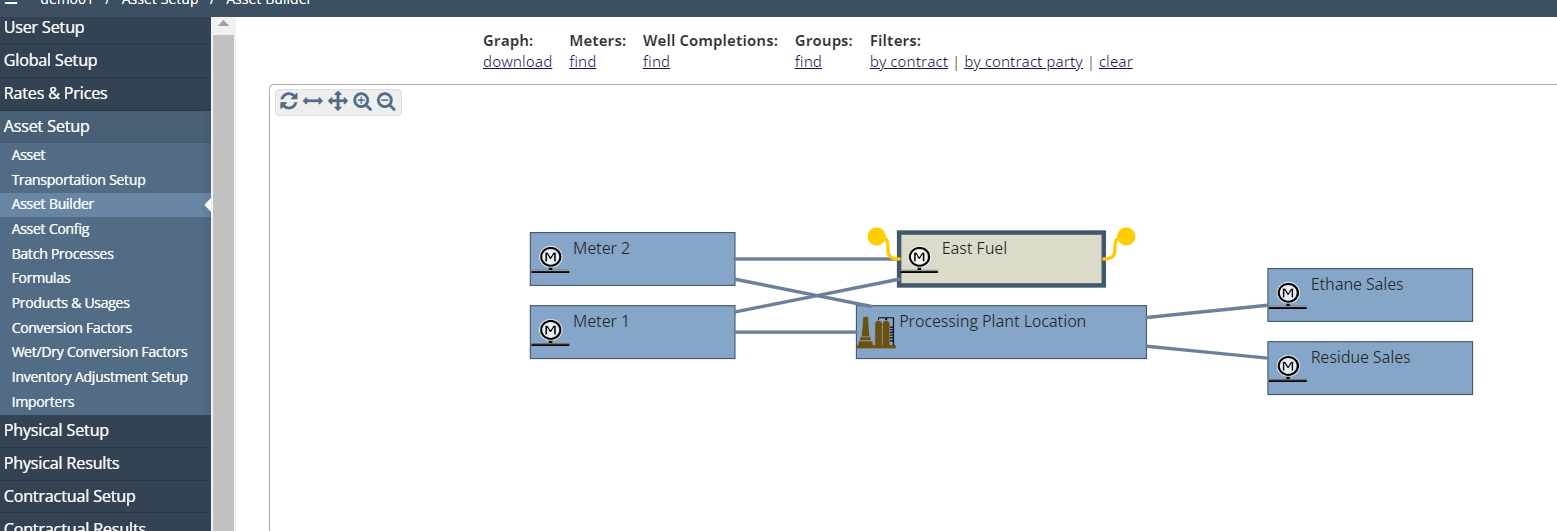
They will have two receipt meters, a fuel meter, a processing plant, one NGL sales pipeline and one Residue pipeline.
There will be two different parties paid (two contracts)
There will be no volume commitments
We will setup the physical asset
We will setup contracts that apply to the asset
We will touch on ARAP setups
Any other assumptions/criteria that are needed will be mentioned throughout this training document.
What Configurations apply when using XYZ
XYZ: true
XYZ: upstream
Include any explanation needed for these configs, if not needed, you can remove this section
How to setup Gathering and Processing in the system
See Step-by-step guide below:
Create new asset
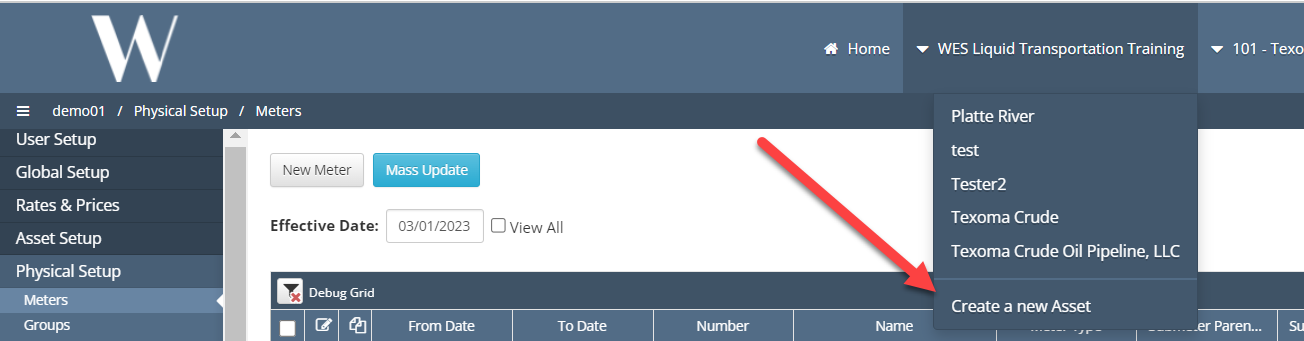
Click Create new asset on Drop Down menu
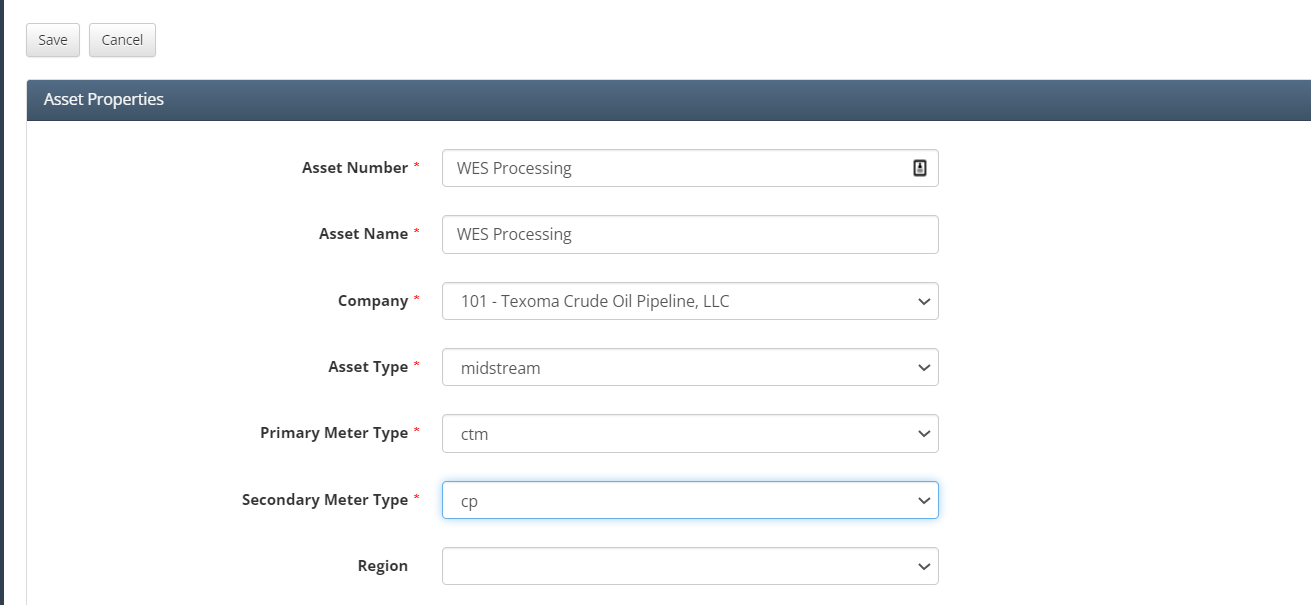
Fill in Red Asterisks as needed.
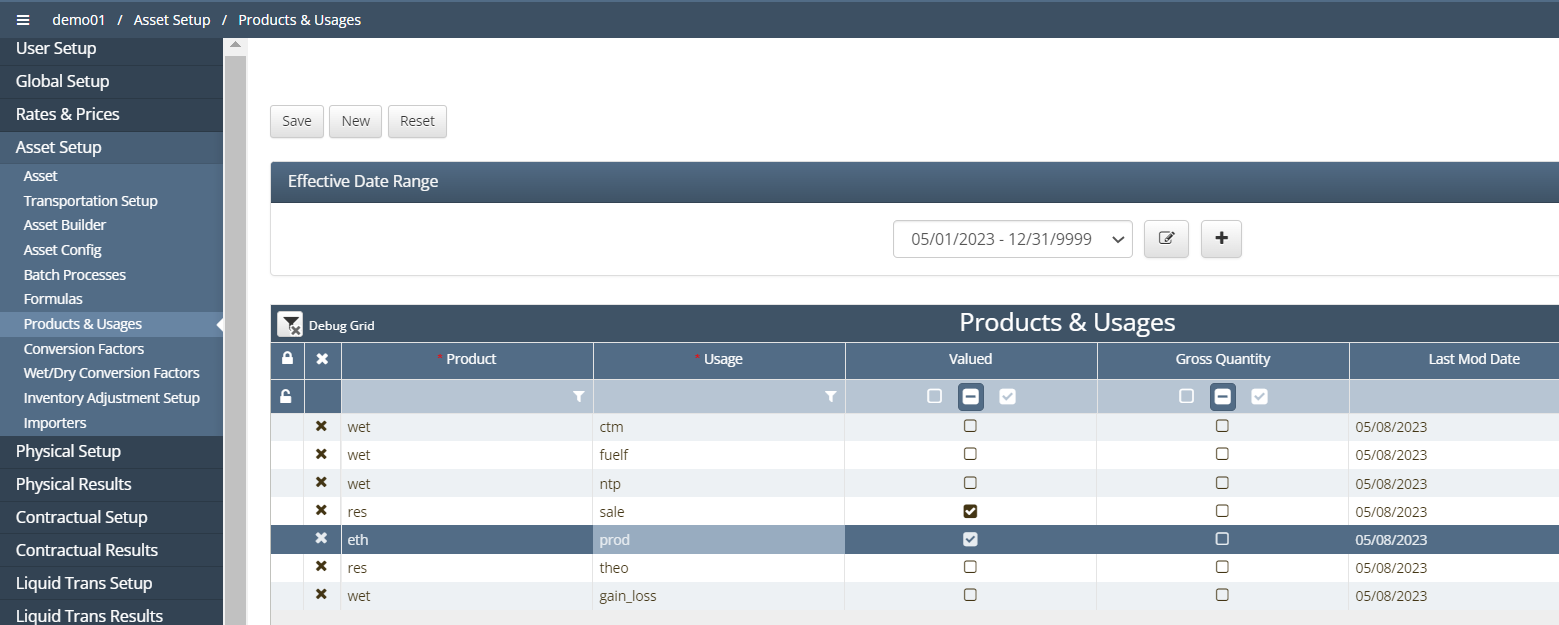
Add products and Usages to asset
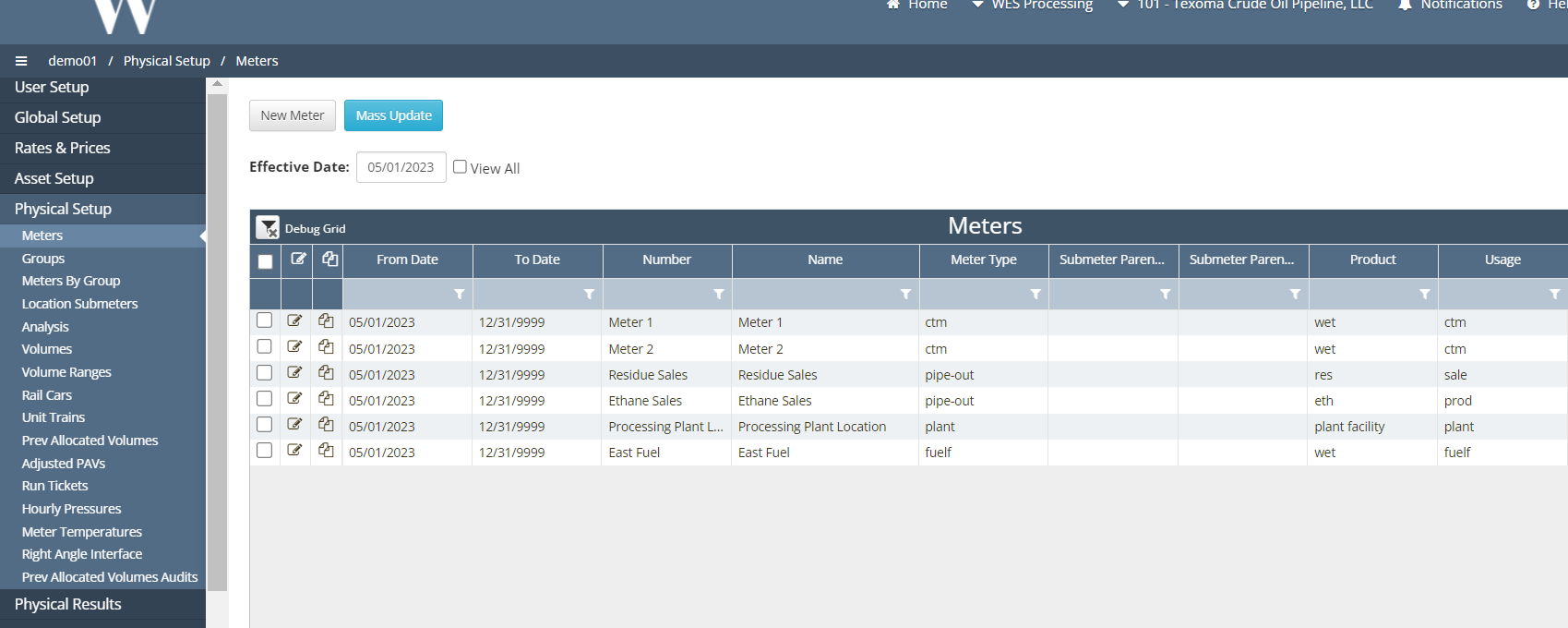
Add Meters to asset
Create asset config/graph
Create allocation methods and setups
Create Batch Processes
Load/Enter Volumes
Create Business Associates
Create Rates/Fees/Contracts
Add Gathering Cycle
Load nominations
Run processes
Review results
Add ARAP Components
Review results
Very Configurable.
📘 If there are multiple ways to do this setup list each one out
How does this concept impact/feed other areas in the application?
Account Receivable/Account Payable needs to be setup in order to send entries to Journals. The Asset needs to be closed and Accounting Dates need to match what dates the Company is trying to process.
Other items worth noting that would impact the process.
Account Receivable/Account Payable needs to be setup in order to send entries to Journals.
Frequently Asked Client Questions
Links provided are from W Energy Software Support Confluence Space