
Asset Setup / Batch Processes
What are Batch Processes
Batch Processes are used to run the processes under Asset Process Control and drive the system populating results screens.
Why would a client use Batch Processes
A client would use this as they drive the systems ability to produce results at the level the client requests
How to setup Batch Processes in the system
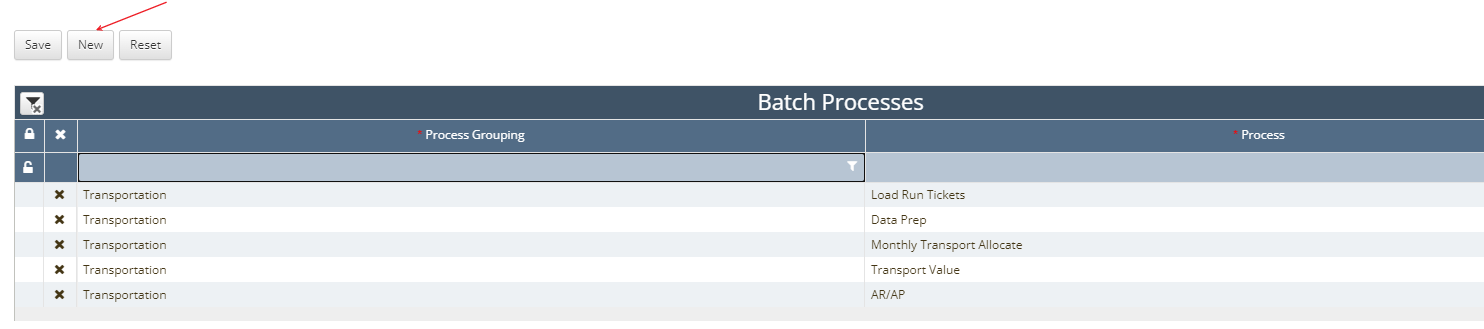
Navigate to Asset Setup / Batch Processes
Next click the New button in the top left hand corner of the screen indicated by the red arrow
The processes shown above are what will typically be used for a Liquid Transportation Asset
Load Run Tickets:
Data Prep:
Monthly (or Daily) Transport Allocate:
Transport Value:
AR/AP:
Once all Batch Processes are setup click the Save button next to New to save your entries
How does this concept impact/feed other areas in the application?
Batch processes impact what processes are available to be ran under Asset Process Control / Process Control.