
Asset Setup / Asset Config
What is Asset Config
Asset Config is used to tell the system how to drive movements between receipt and delivery points (meters). A pictorial representation of the Asset Config can be seen in Asset Builder found under Asset Setup
Why would a client use Asset Config
A client would use this functionality to define what receipt point is connected to what delivery point.
How to setup Asset Config in the system
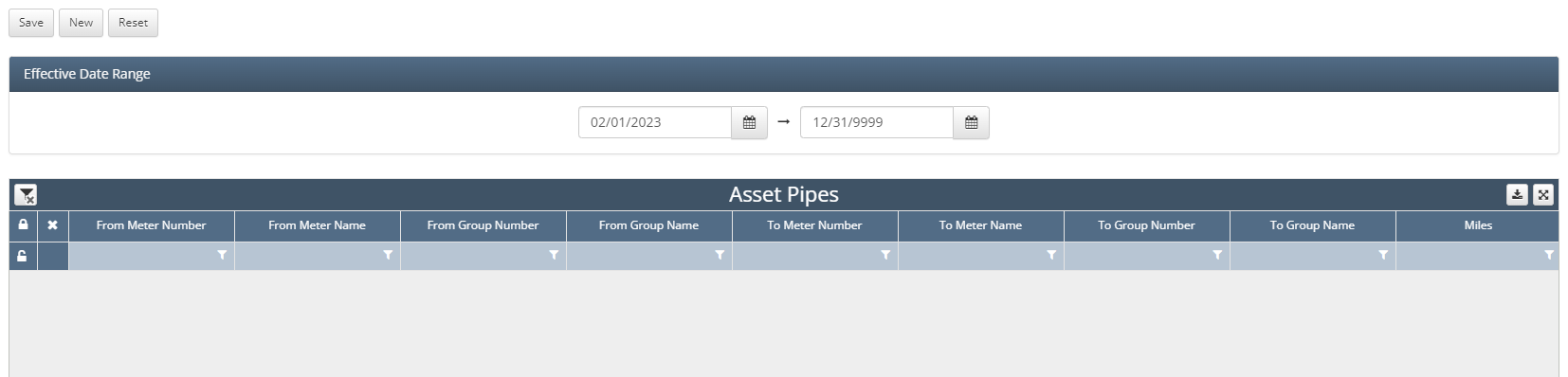
Upon navigating to Asset Setup / Asset Config the user will find this screen
To setup an Asset Config, simply click the ‘New’ button in the top left hand corner of the screen
From there a line item will show up in the Asset Pipes grid
Select the corresponding ‘From Meter’ (typically receipt meter)
Select the corresponding ‘To Meter’ (typically delivery meter) for the selected ‘From Meter’
Important to note that if a From Meter (receipt point) has multiple To Meters (delivery point) then a line item would be needed for each connection
How does this concept impact/feed other areas in the application?
Asset Config plays a role in Shipper Allocations as well as other allocation processes as it tells the system how volume will be moving based through the system based on what its receipt and delivery point is