Accounting Dates
What is Account Dates?
Under Fixed Asset Processes, Accounting Dates are where clients can create a new accounting date to run any processes that will affect the general ledger.
Why would a client use Accounting Dates?
If clients want to be able to book depreciation or depletion against the general ledger then they need to open an accounting date which determines the month you are booking your depreciation and depletion for. Normally accounting date is set to the end of the month and depletion date at the beginning.
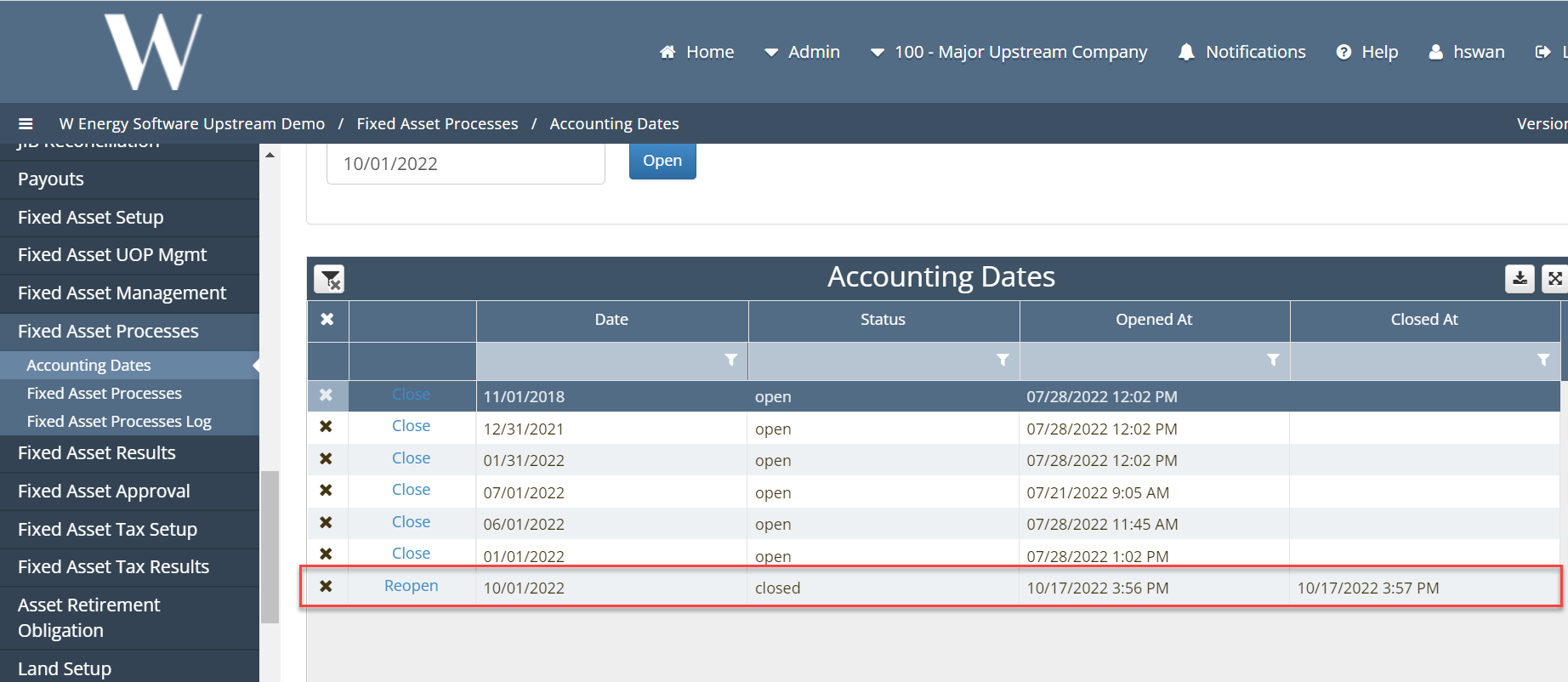
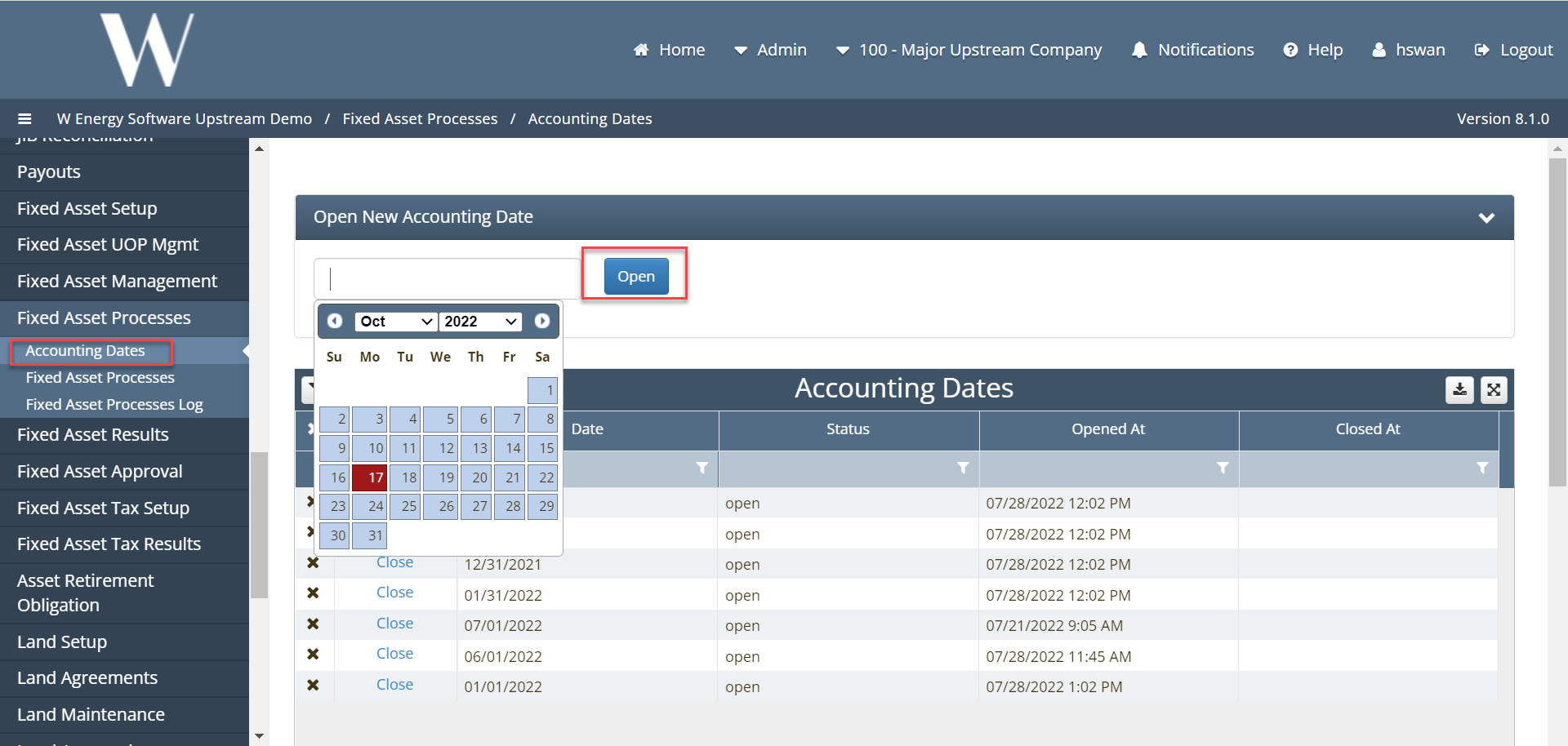
A calendar will appear and the user will select the desired date and click the “Open” button to add the record to the grid. In the grid the user has the option to Close the date by clicking the Close button, Reopen a closed date by clicking the Reopen button, or delete the date by clicking the “X” in the left hand corner of the grid.
In order for clients to create new cost adjustments, retirements, or transfers, accounting date needs to be created.
3. Once we have booked our depreciation, depletion or other items (i.e. cost adjustments, transfers, retirements) we can click “close”, which will change the status of the accounting date to close.