Activate ProdPad to Jira Integrations
Before pushing Ideas and User Stories to Jira, every user must activate the integration to the desired project. This is a one-time act per Jira Project.
📘 Instructions
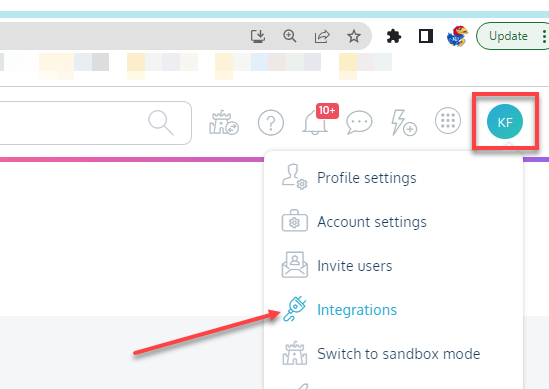
Click the Initial Icon in the top right corner of the screen and select Integrations
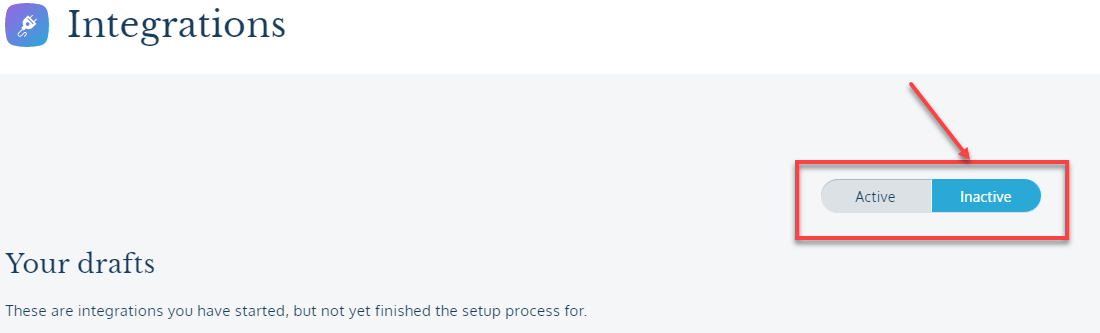
2. Toggle the Active/Inactive button to Inactive to see a list of Integrations that have been shared with you

3. Click the Activate Integration button and a message will appear that reads, “Preparing Integration” followed by “Saved”
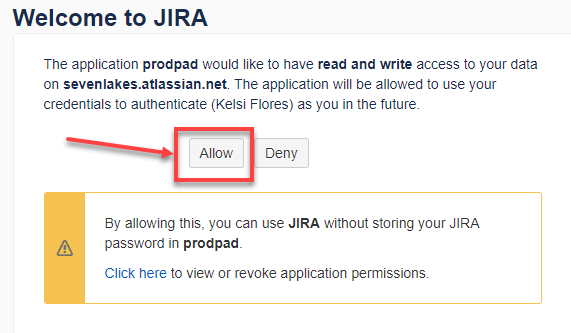
4. Next, a new page will appear with the note below displayed on the screen, click Allow
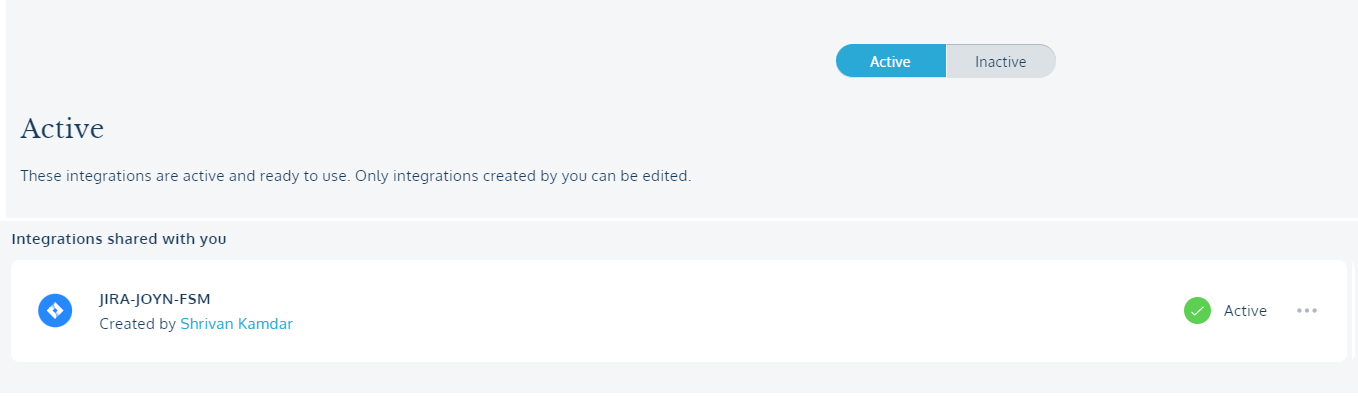
5. Processing will take place and then the screen will return to your ProdPad Integrations page where you should see the Active/Inactive button toggled to Active with your newly active Integration shown below