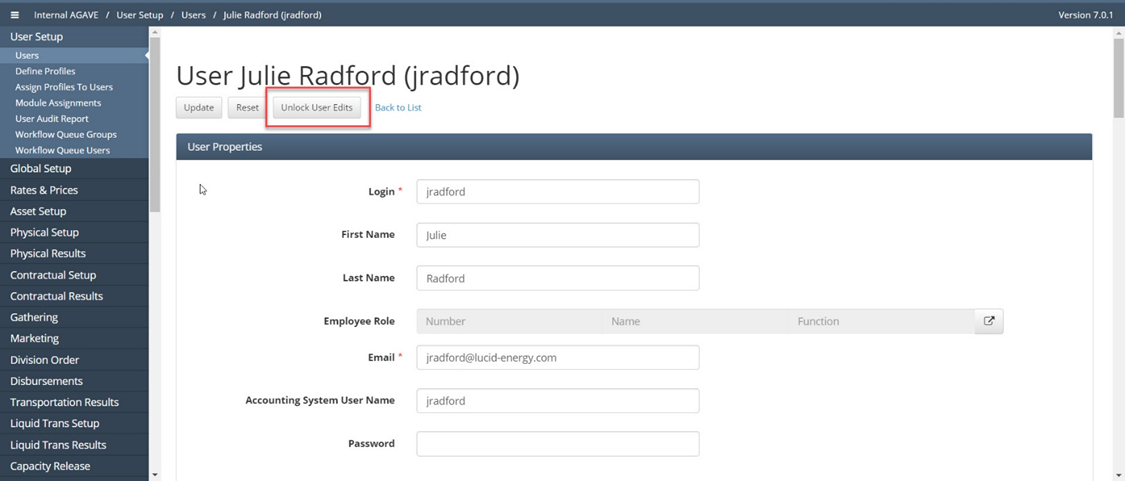
User Setup - How to Unlock User Records
Navigate to User Setup / Users
Filter for user XXXX and open record
Click on Unlock User Records button and click OK to confirm to unlock records. Then a confirmation message will show how many records are no longer locked.