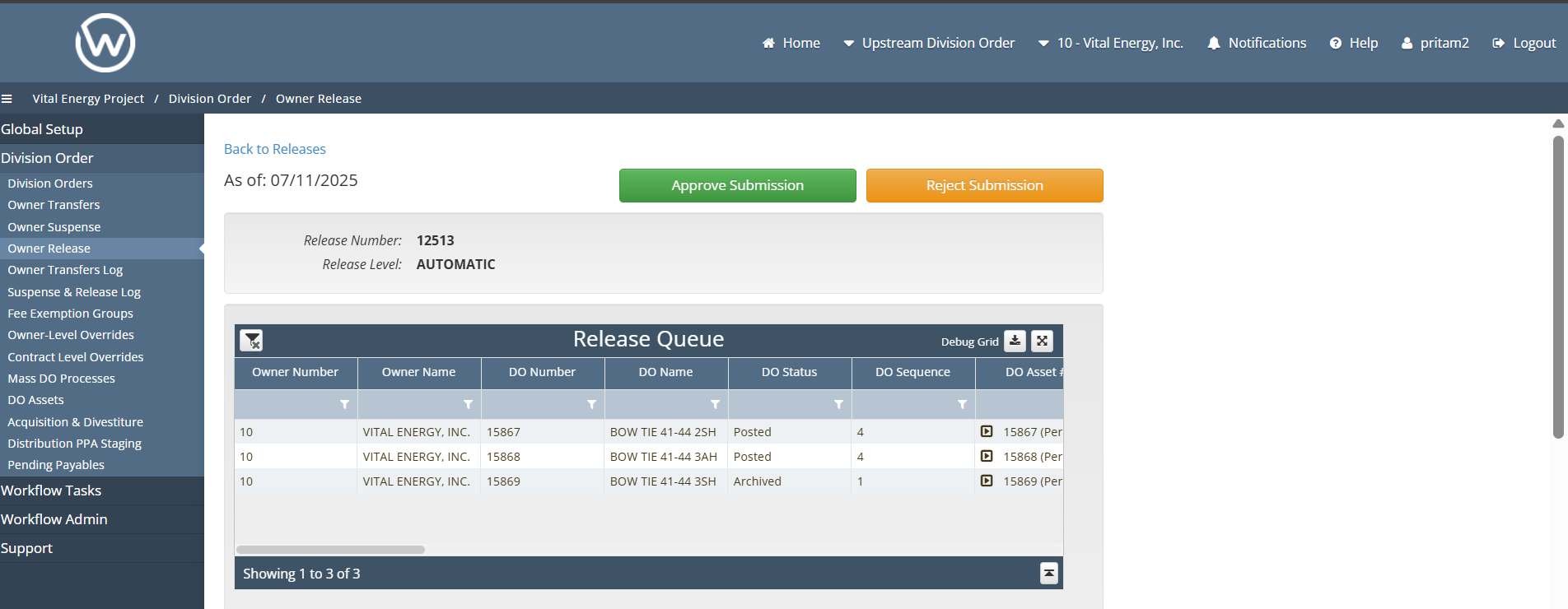
DO approval buttons disabled
🤔 Problem
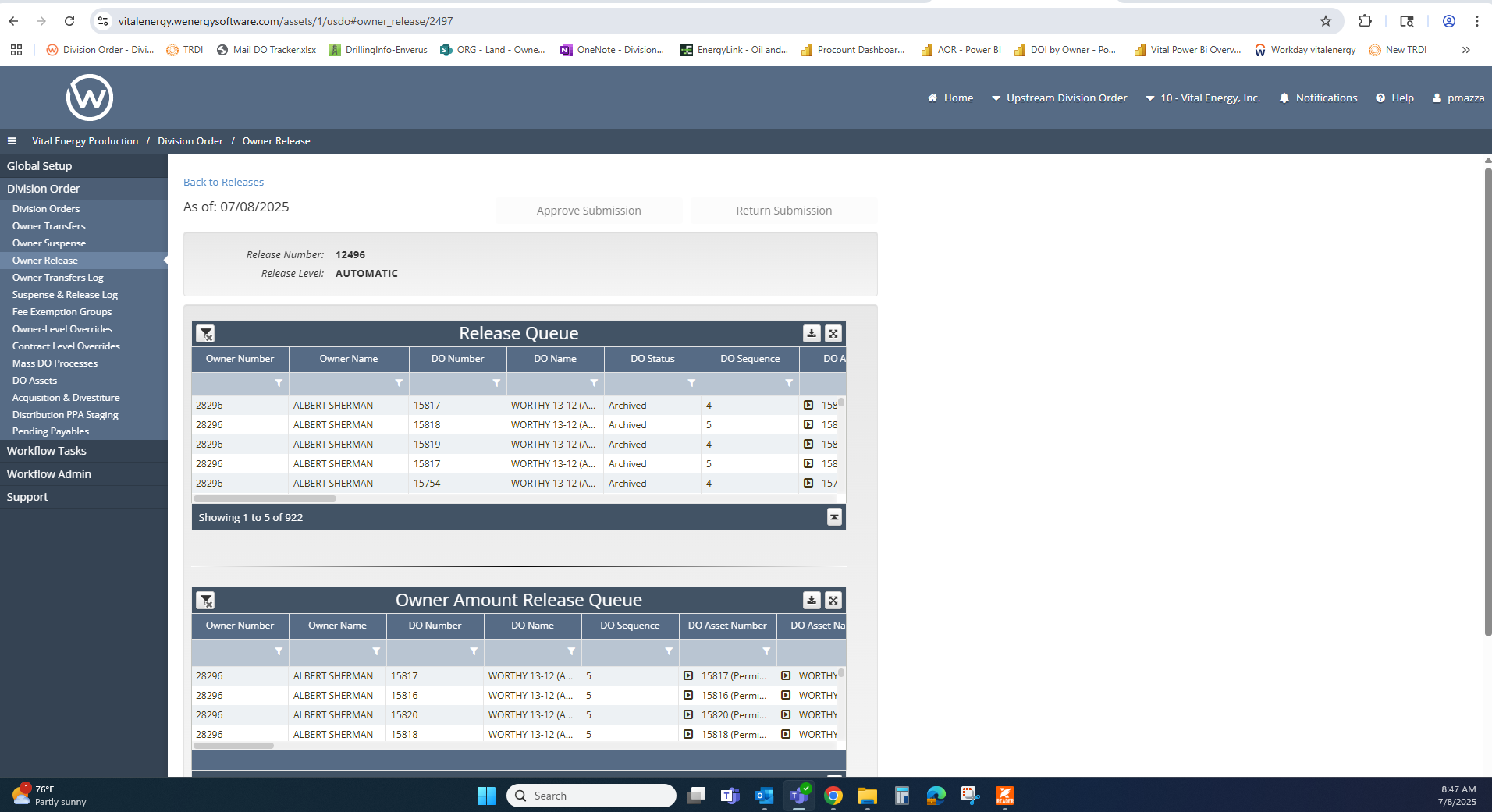
Client reports that they submitted an owner transfer/release/suspense and when an approver went to approve it the buttons were disabled
🌱 Solution
This is as designed and the client probably just needs to add the correct users to the submitting and approving group in the workflow queue groups.
Here’s a detailed step-by-step on what you need to do in-app to add it:
Navigation Tab/Page: Division Order → Owner Transfer, Division Order > Owner Release
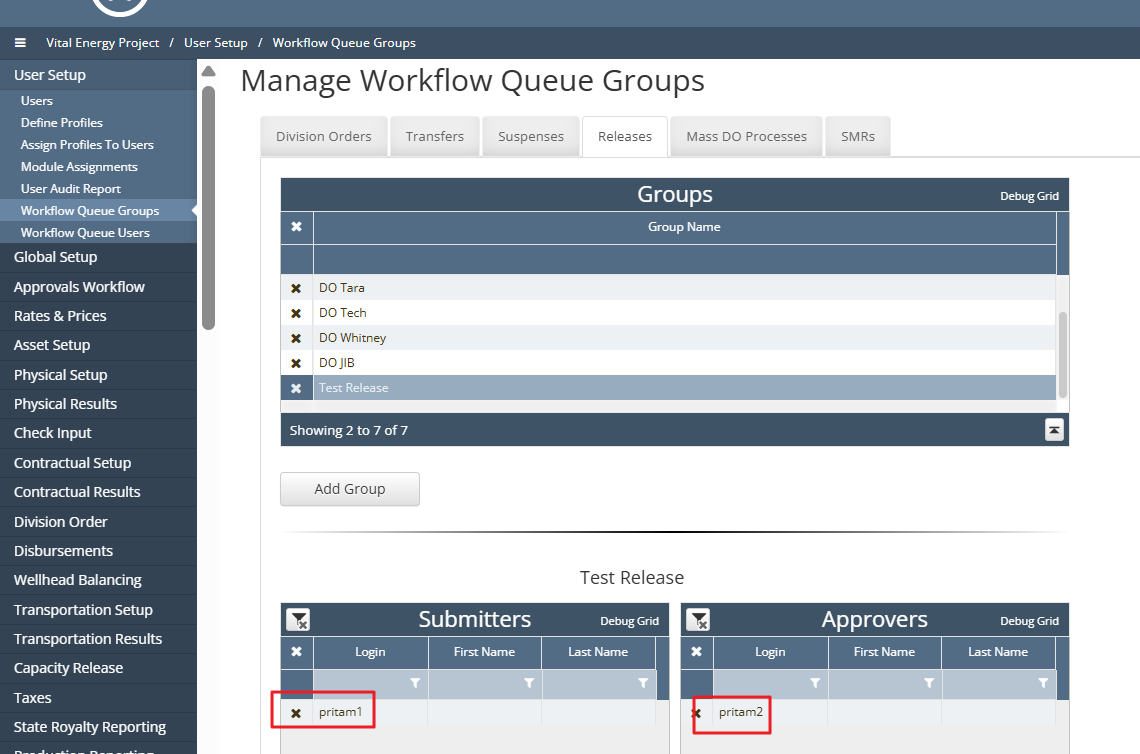
For non admin user (Read Only permission) able to see the Approve/Reject buttons user need to update the configuration on page User setup > Workflow Queue Groups.
Click on Transfer/Release tab, Add group, add the submitter user which is submitting the transfer and add approver user which is non admin user required to approve the transfer.
After this configuration updated when submitter user submit transfer/release approver user will able to approve the transfer/release.
'For existing transfers/releases user not able to see these approve button as these are submitted before updating the setup on Workflow Queue Groups. Need to Force Post these existing transfer which is submitted before updating the configuration '
Screenshots:
Submitter User: Pritam1, Approver User: Pritam2 (Created user as same setup for user pmazza)
Configuration required when non admin user have read only permission:
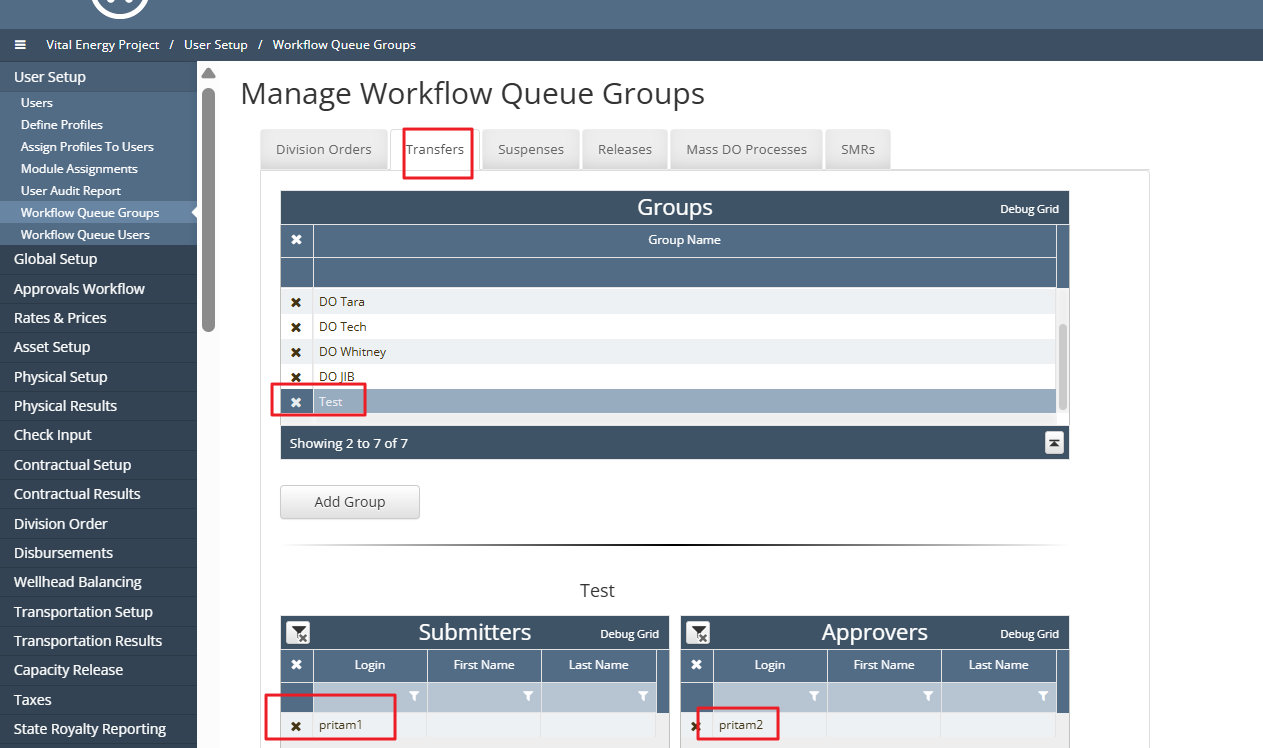
Owner Transfers:
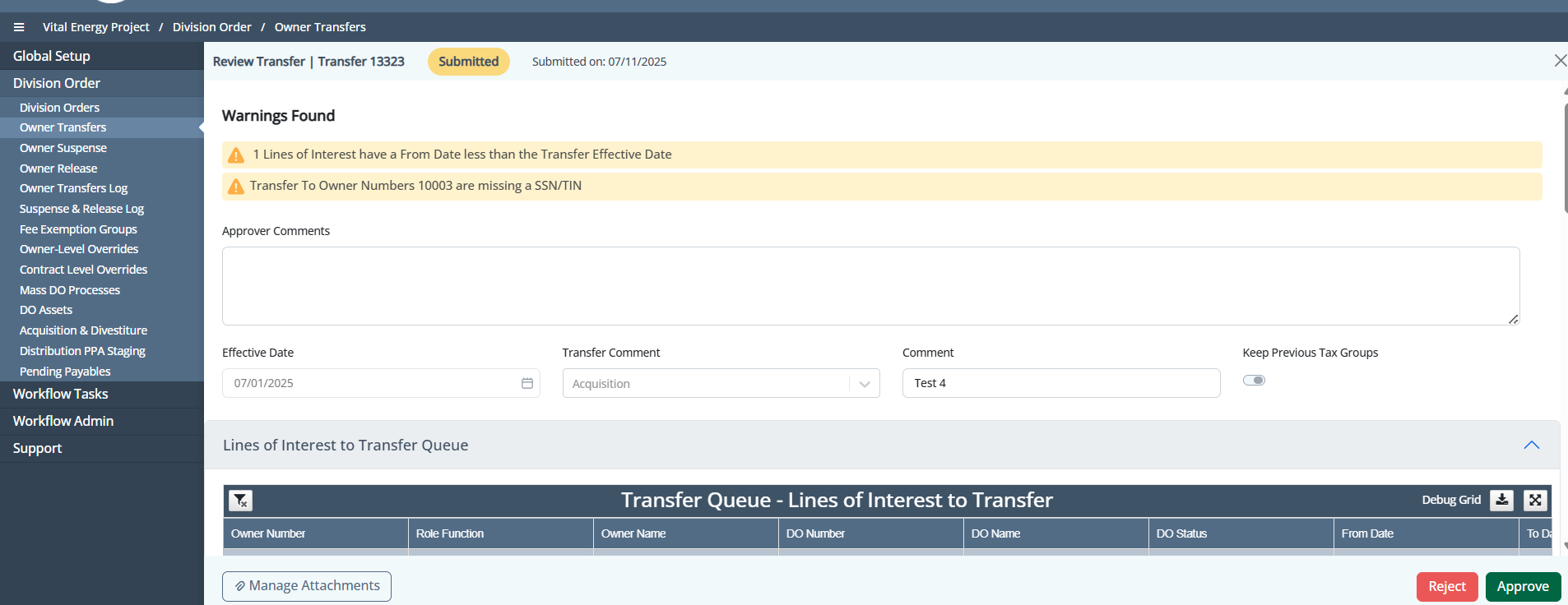
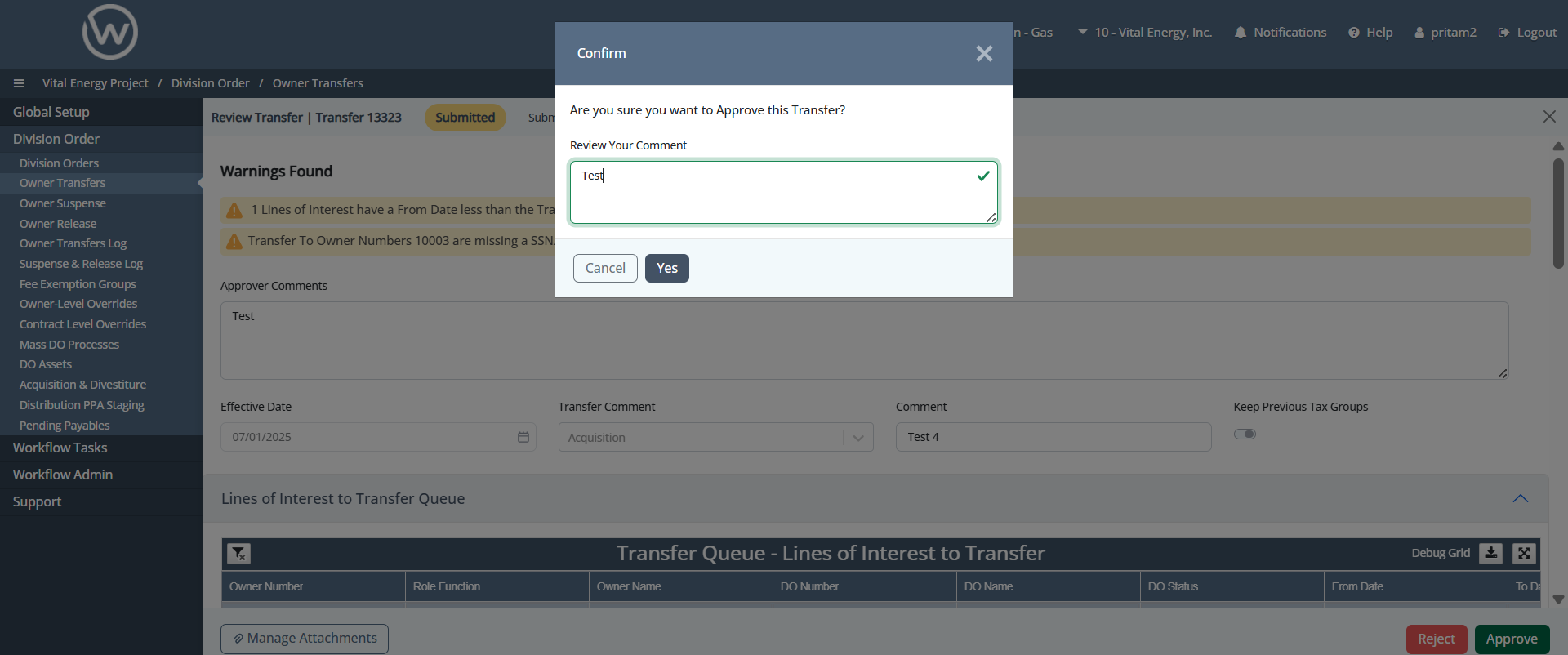
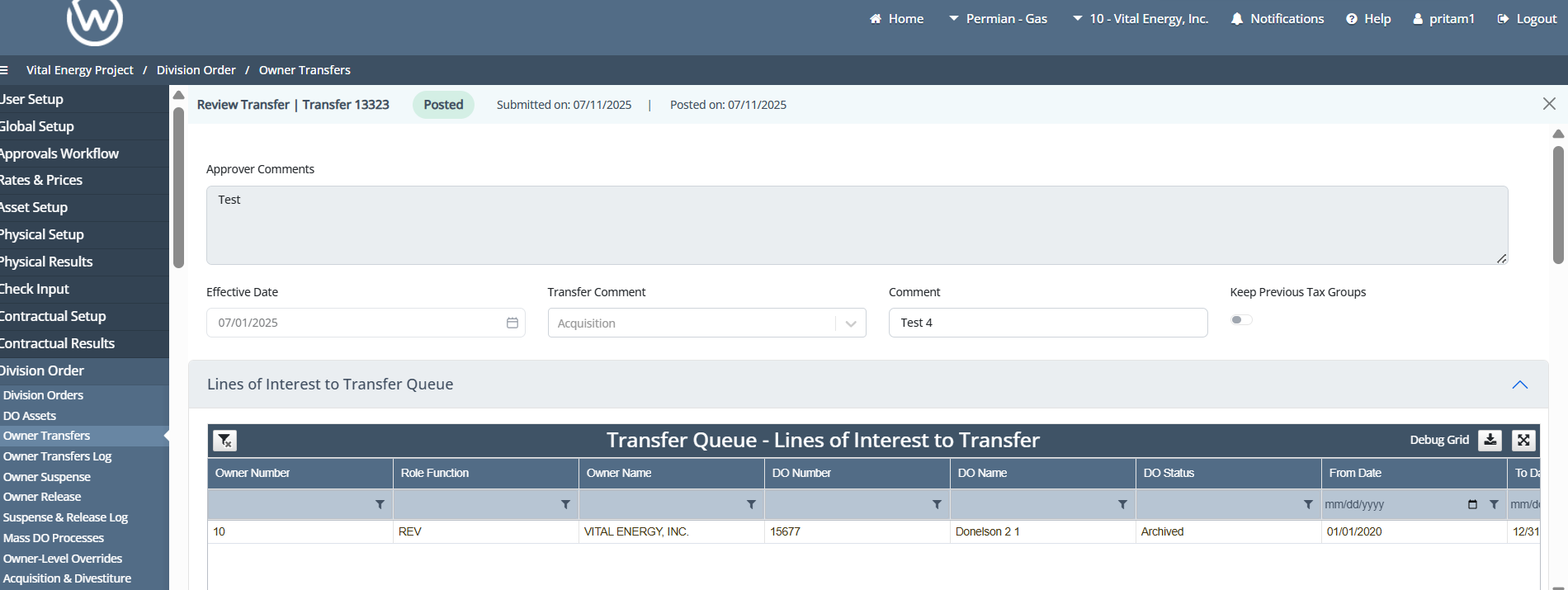
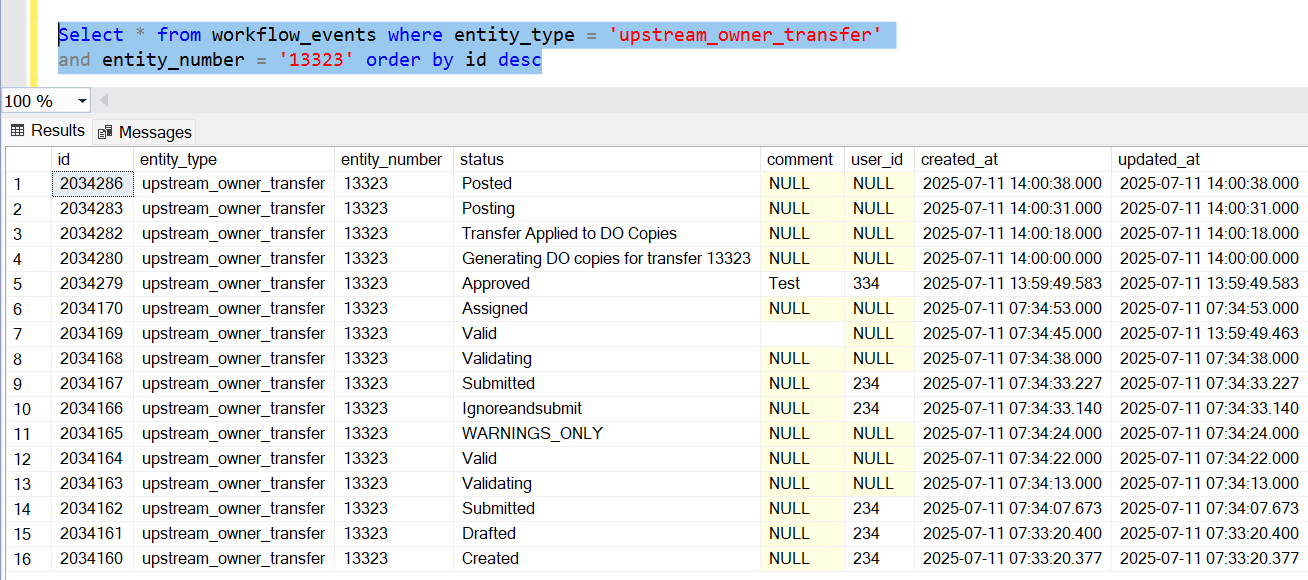
Owner Transfer: 13323 (Manual Approved)
Owner Release:
Owner Release: 12513 (Manual Approved)