
Cognos - Updating Statement Contact Information
🤔 Problem
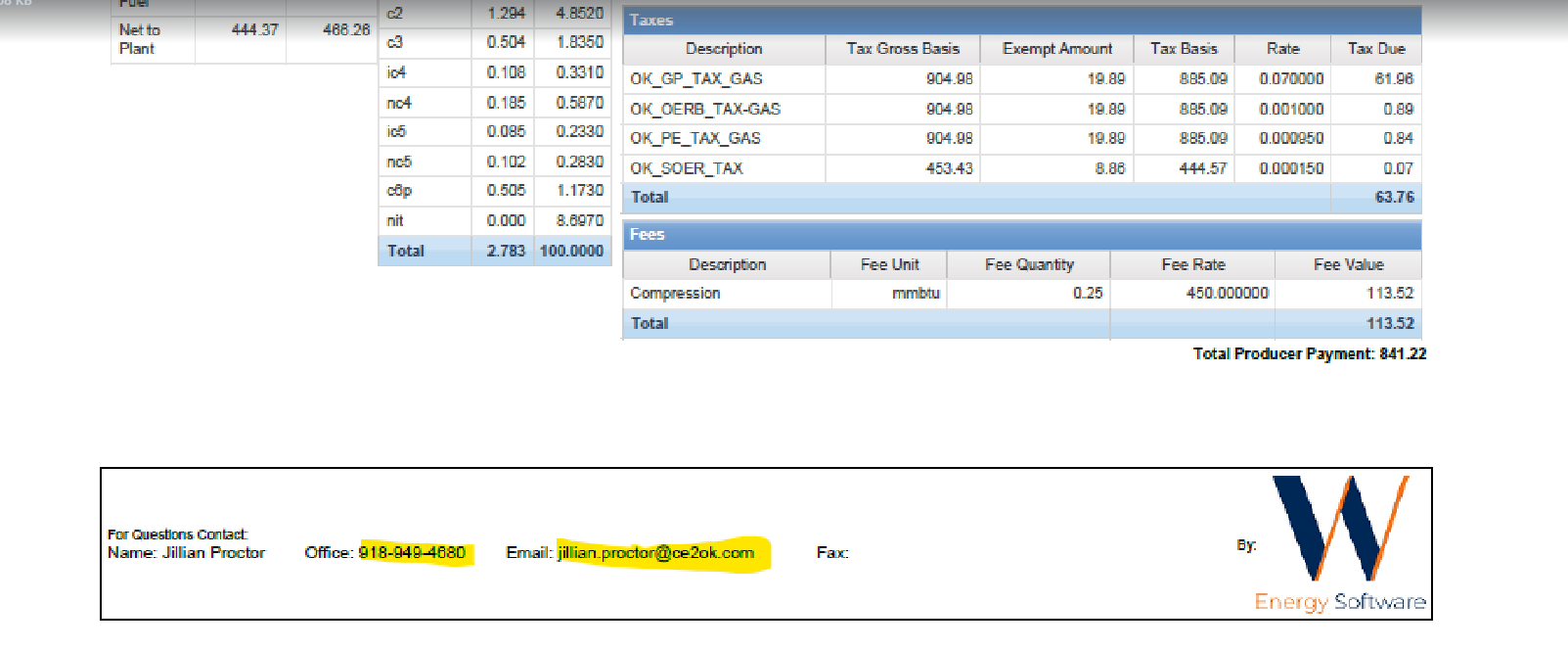
The client has requested assistance in updating the contact information stored on their Shipper Invoice and Shipper Statement generated from Cognos.
🌱 Solution
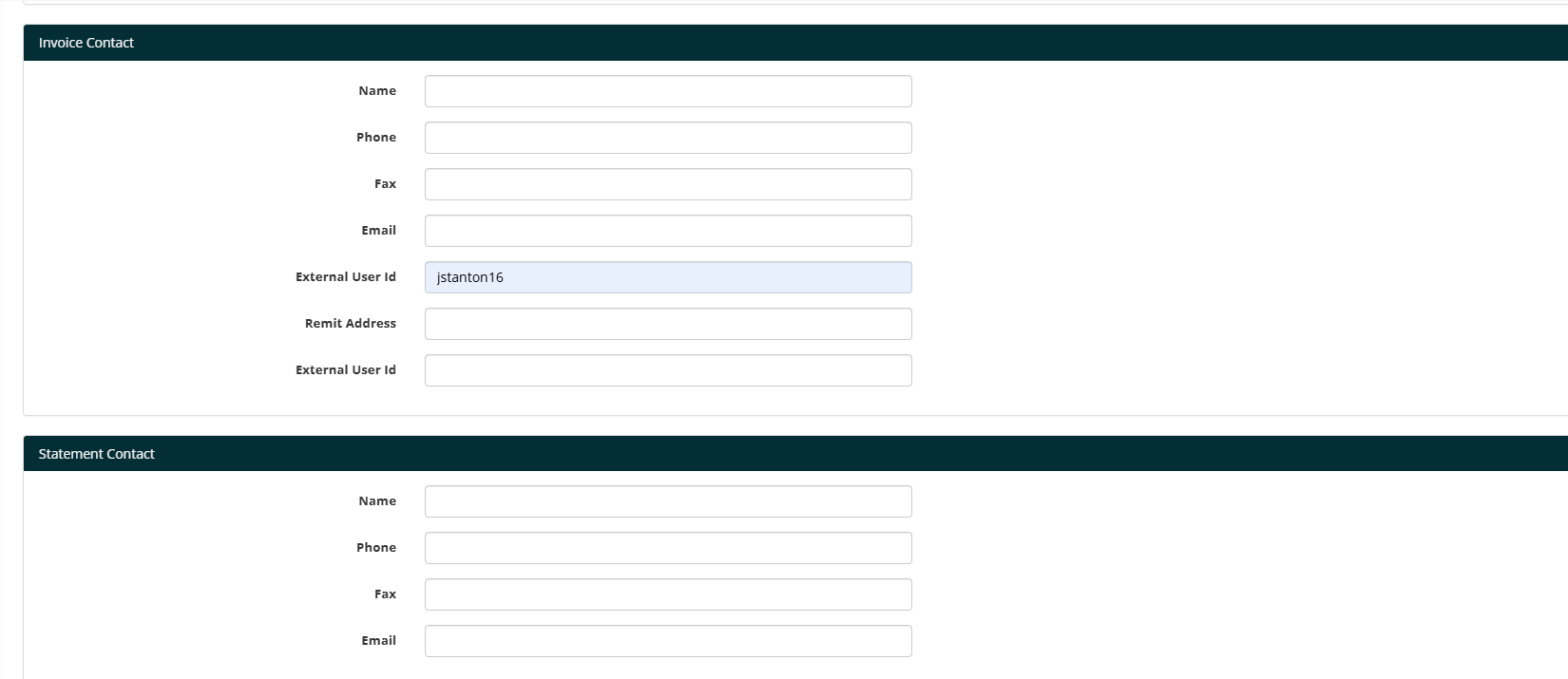
The fields can be accessed within the application by navigating to Asset Setup → Asset. Near the bottom of the page, you will see options for ‘Invoice Contact’ and ‘Statement Contact.’ These contacts can be updated at any time to modify the Contact Information displayed on Invoices and Statements generated from Cognos.
📎 Related Ticket