
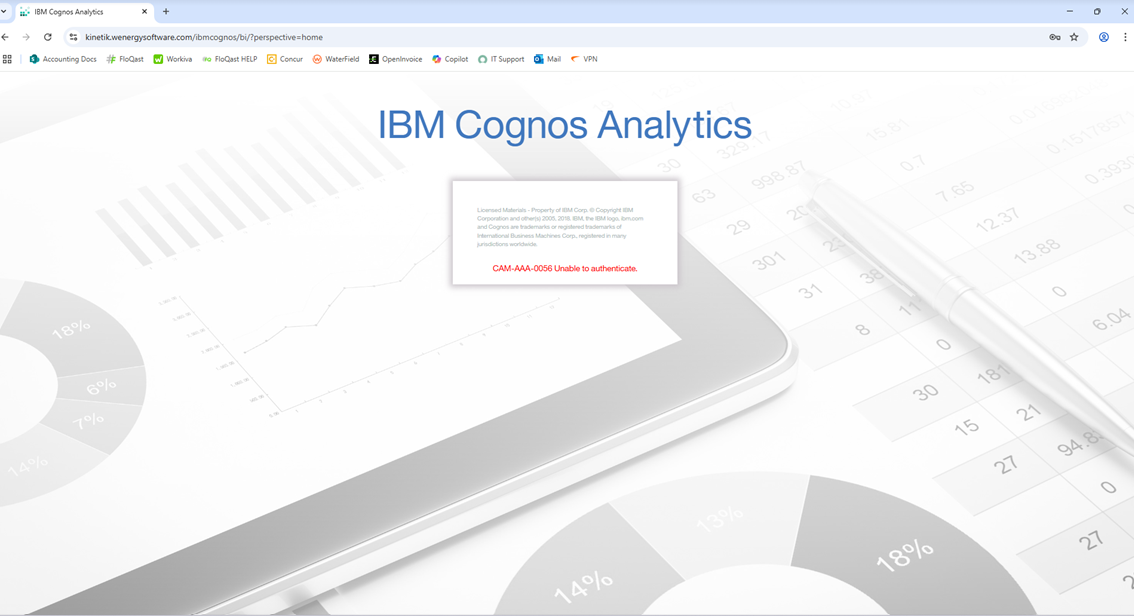
Cognos - Unable to Authenticate Error upon sign on
🤔 Problem
Clients may face challenges logging into Cognos A common issue is the "unable to authenticate" error message, which can be frustrating as it prevents access to the platform. This error typically indicates the system cannot verify the user's credentials. A visual representation of this error is shown in the screenshot below for clients experiencing similar login issues.
🌱 Solution
To resolve this issue
Request the User to reset their password via the follow link with their first.last@w-energy.net email address: https://account.activedirectory.windowsazure.com/PasswordReset/Register.aspx?regref=ssprsetup
If they are unable to update their password, please have devOps reset their password. Then ensure client has setup two factor authentication with their W Energy MS account.